Every command, seen before it runs.
Smart SSH connects you to your servers with an AI copilot that reads logs, diagnoses problems, and suggests the fix — but it never touches your server without your approval first.
macOS, Windows, Linux · source-available
How it works
-
01
Tell it what's wrong
Connect to a server and describe the problem in plain language — a failing service, a full disk, a slow query.
-
02
Review what it wants to run
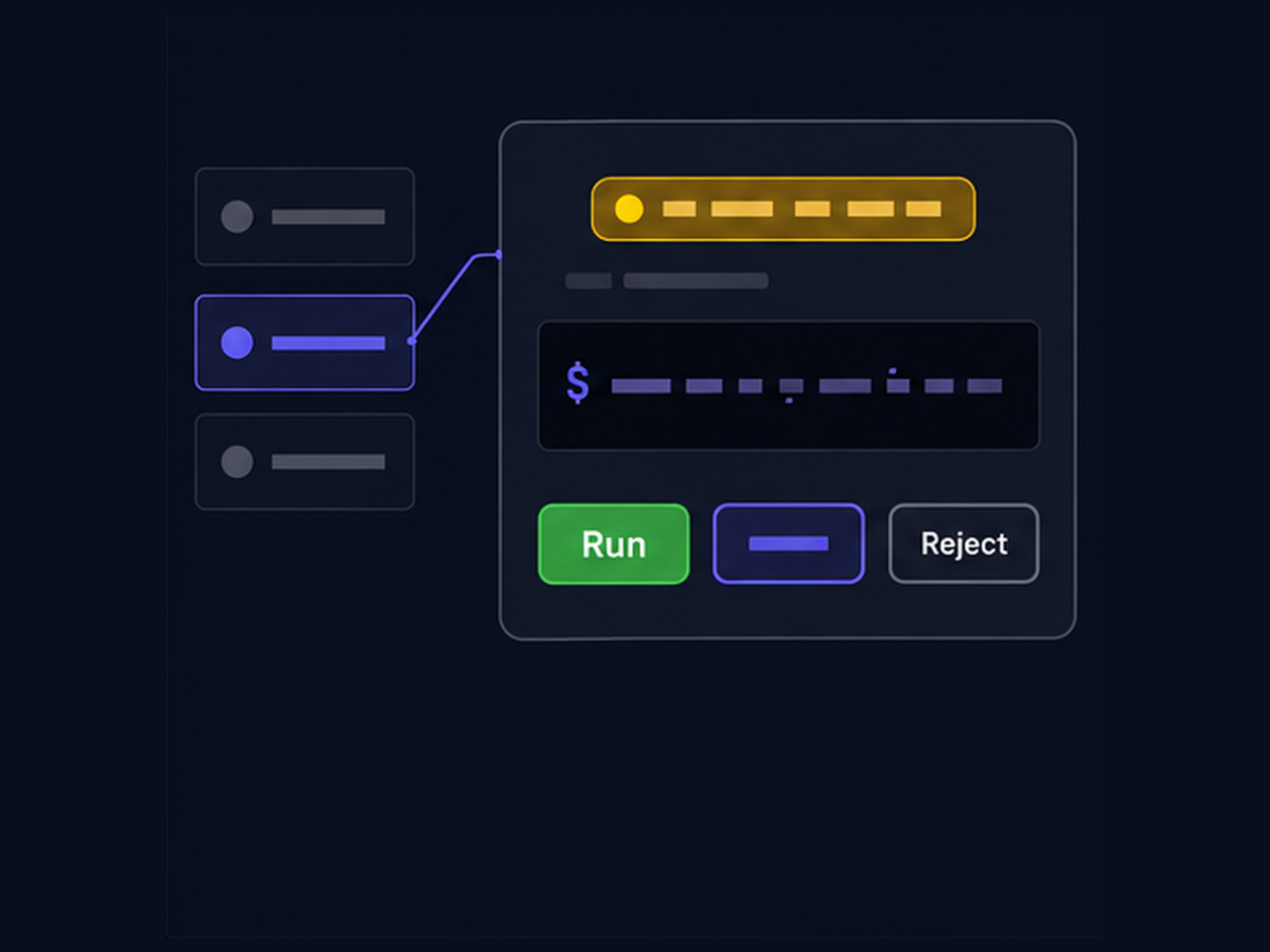
The assistant proposes a specific command. You see the exact text — editable, never hidden — before anything happens.
-
03
Approve, edit, or reject
Nothing executes until you say so. Routine commands you trust can be whitelisted to run automatically — everything else waits for you.
Built around one rule: nothing runs unseen
Control
The parts that keep the AI on a leash.
Rule-based command filter
Every proposed command is checked against your rules before it can run — allow, confirm, or block, matched by pattern and scoped to a server or tag.
Chaining can't sneak past a rule
ls -la && rm -rf /backup is evaluated piece by piece. The strictest verdict among the parts wins — a whitelisted ls can't drag a destructive command through with it.
Risk indicators
Proposed commands and file writes are flagged for server risk and data risk — informational, never a substitute for your own judgment.
Host key protection
A changed host key gets a deliberately alarming warning, distinct from the routine first-connection prompt — a possible man-in-the-middle isn't treated like routine noise.
AI
Bring your own model, on your own terms.
Any provider you choose
OpenAI, Anthropic, OpenRouter, any OpenAI-compatible endpoint, or a fully local model through Ollama. Your API keys stay in your OS keychain, never in a database.
Secrets are redacted before they leave your machine
Command output is scanned for keys, passwords, and tokens and masked before it's sent to any AI provider — local models included.
Per-server context notes
Give the assistant a running memory of a server — installed versions, config paths, past decisions — editable by you or, with your approval, by the AI itself.
Generated documents
Ask for a written summary of what happened and get it back as a formatted Markdown or Word file, ready to save.
Server management
The parts of a normal SSH client, done properly.
Groups and tags
Organize servers into nested groups, tag them for scoped rules and shared notes.
Password, key, agent, or certificate auth
Whatever you already use to connect. Credentials live in your system keychain, never on disk in plain text.
File transfer with a real diff
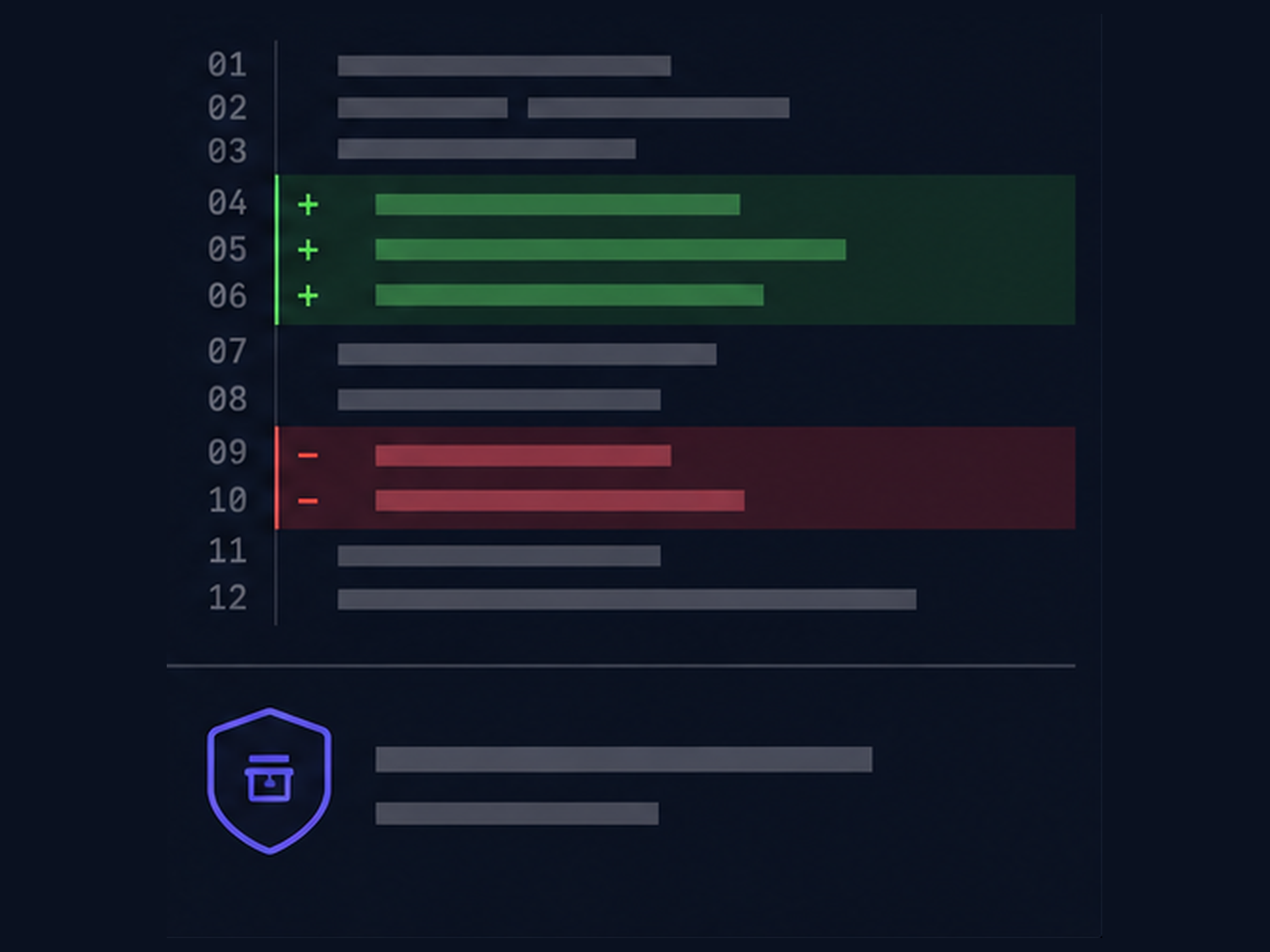
Browse and transfer files manually, or let the AI propose a file edit — shown as a line diff against the current content, with an automatic backup before anything is overwritten.
Platform
One app, everywhere you work.
macOS, Windows, and Linux
A native build for each platform, not a wrapped browser tab.
Source-available
Read the code that handles your credentials and your servers. Licensed under the Functional Source License.
A closer look
Drawn illustrations, not screenshots — they show the shape of each flow rather than a pixel-exact capture of the app.
The confirmation stop
A proposed command is shown as exact text, with the rule that caught it named right next to it. Run it, edit it first, or reject it — there is no fourth path where it runs by itself.
The rules that decide
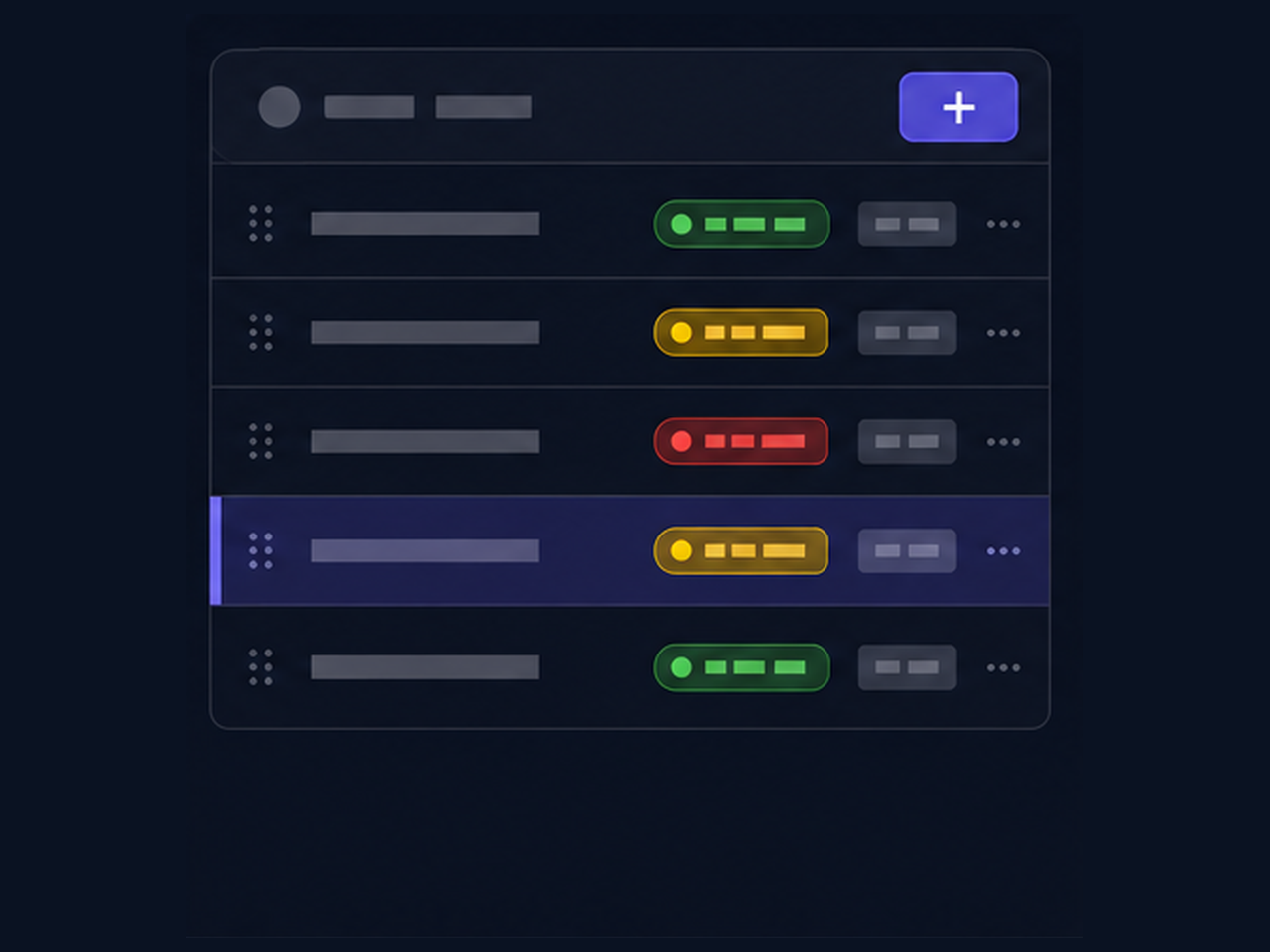
Patterns you write, each with a verdict — allow, confirm, or block — and a scope: one server, a tag, or everything. Routine commands stop interrupting you; the rest still has to ask.
File edits, as a diff
When the assistant wants to change a file, you get a line diff against what is on the server right now — and a backup is taken before anything is overwritten.
Download
Detecting your platform…
We couldn't detect a matching build automatically. Grab it directly from the latest release:
Open the latest release on GitHubAll platforms and formats
- Loading release assets…